How to Enable Split Screen on OPPO A54
If you want to use two apps at the same time on your Oppo A54 mobile phone, the split screen feature makes multitasking very easy. You can run two apps at the same time with…
If you want to use two apps at the same time on your Oppo A54 mobile phone, the split screen feature makes multitasking very easy. You can run two apps at the same time with…
Do you want to type in English, Urdu, Hindi or any other language on your Oppo A54 mobile, then you can Change Keyboard Language in a few seconds. Oppo a54 supports multiple languages, you can…
How to Secure a Google Account with 2-Step Verification (Complete Guide): In today’s digital world, your Google account is more important than ever. It stores your Gmail emails, contacts, Google Drive files, photos, YouTube data,…
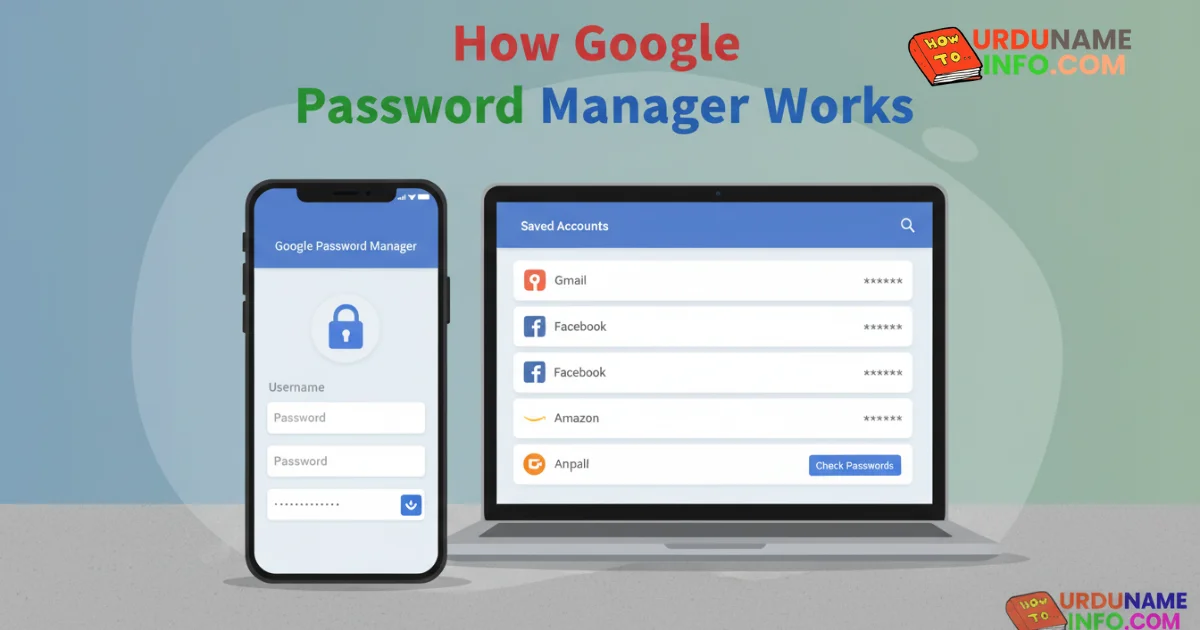
In today’s digital world, we use dozens of websites and apps every day. Remembering different passwords for each account is not easy for most people. To solve this problem, Google provides a built-in feature called…
Touch screen problems are very common in Android phones. Sometimes the touch becomes slow, unresponsive, or even works on its own (ghost touch). The good news is that you can fix many of these issues…
Mobile overheating issue is a very common problem for Android users. It is a problem when you people play games or use social media while charging your mobile on any charging station, then your device…
If you want a clean screen and smooth navigation on the OPPO A54, switching from the classic 3-button layout to Gesture Mode is a great option. Gesture mode makes the app feel faster and more…
Whenever you start or run your mobile phone, sometimes it freezes, sometimes it runs slowly. This happens when your temporary files and unused data start accumulating. The Oppo A54 model is a very reliable brand,…
Many people are involved in fraud or similar things and most of the people are searching for the call record option in their mobile phones because there are many companies that have hidden this feature…